Sell Any Service,Your Way
A fully configurable service catalogue for your marina. Define custom pricing, booking workflows, availability rules, data collection and document requirements, then let customers browse, book, and pay online.
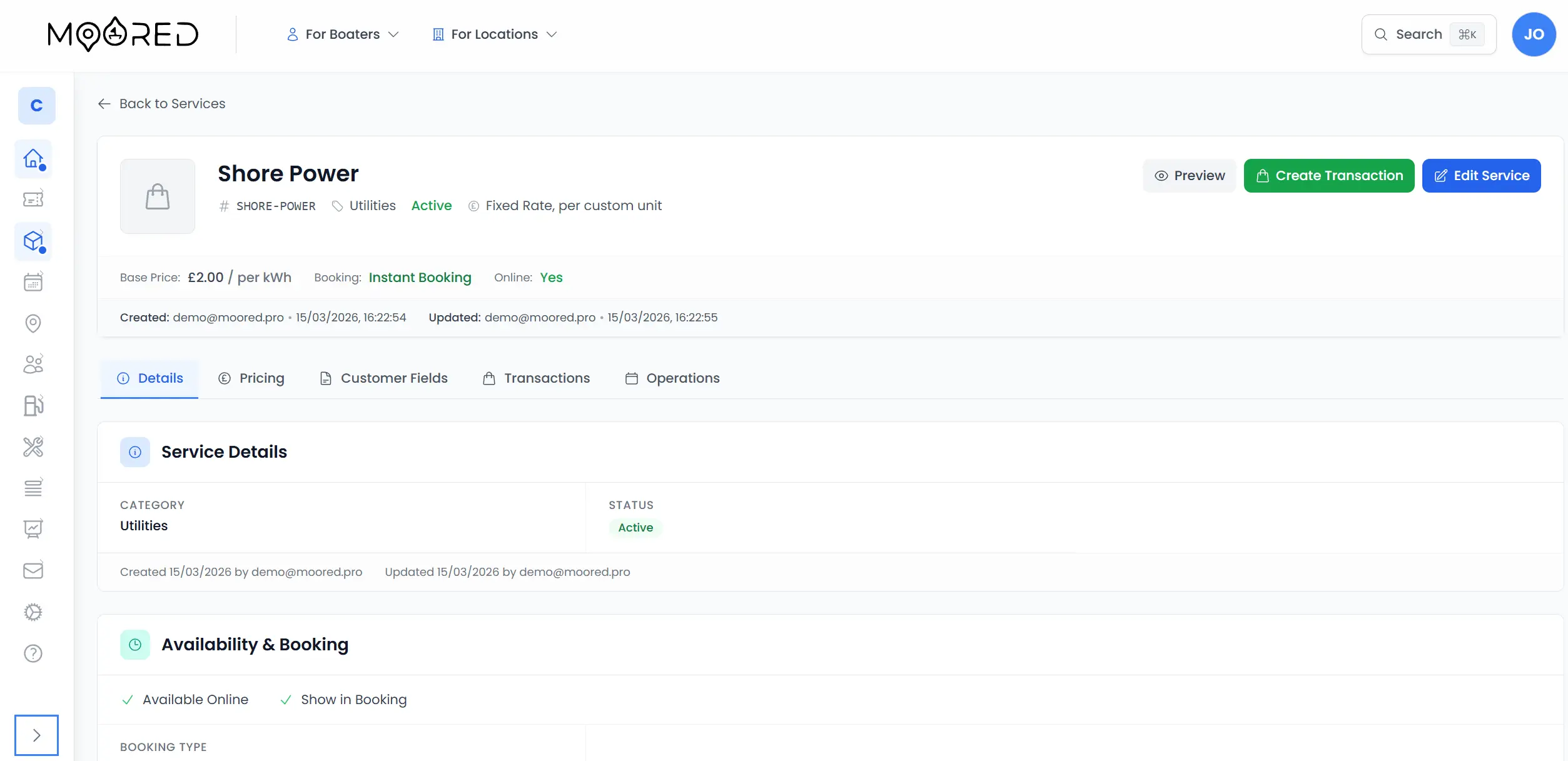
12 Categories, Limitless Services
Moored ships with pre-built categories for the most common marina services, with a custom option for anything unique to your operation
Marina Services Booking Software, Built for Flexibility
Every service is different. The system adapts to yours, not the other way around.
Dynamic Service Catalogue
Offer Anything Your Marina Can Provide
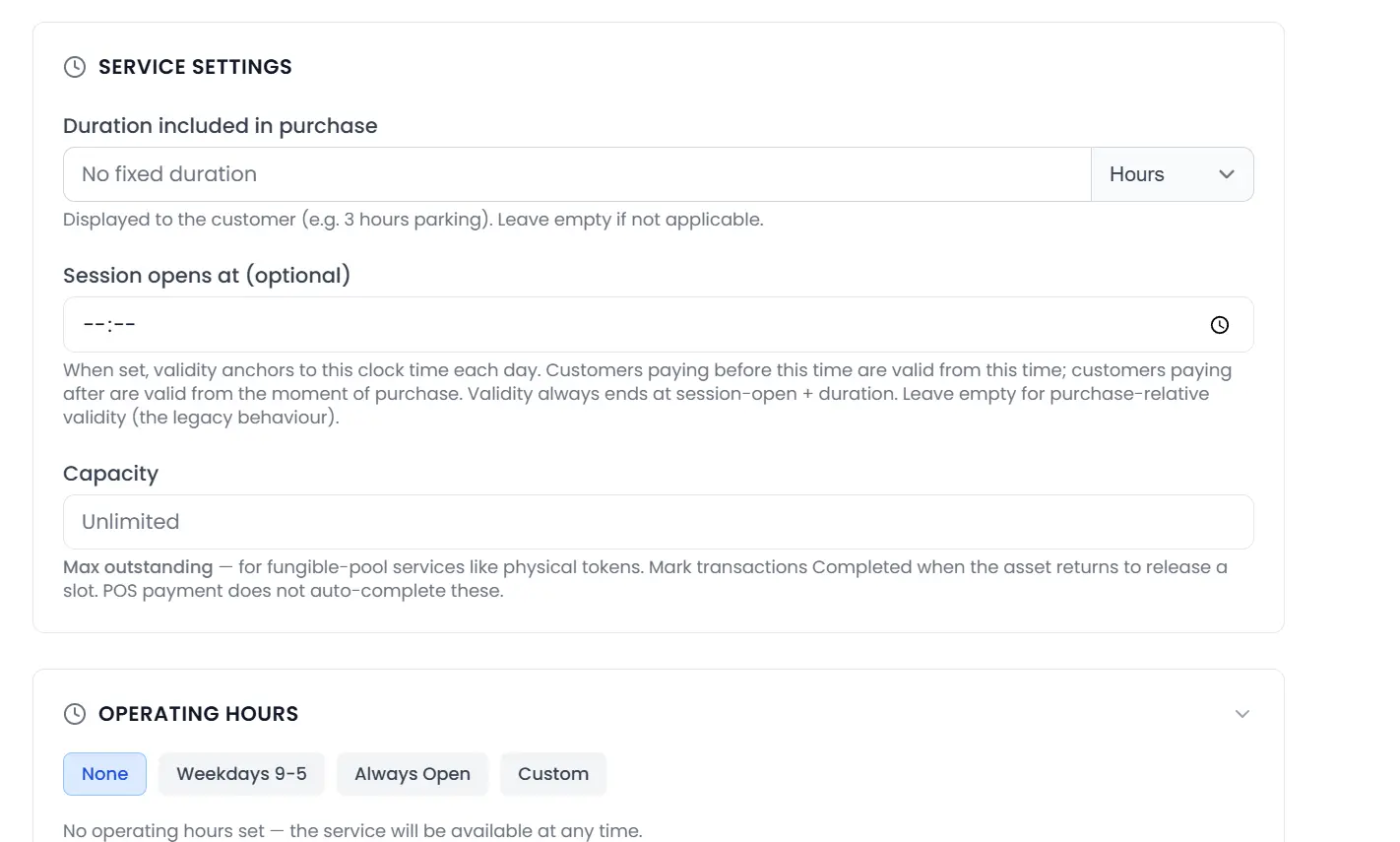
Build a fully custom catalogue of services across 12 categories: fuel, utilities, amenities, boatyard, maintenance, parking, events, concierge, chandlery, waste, berthing, and custom. Each service has its own pricing model, booking type, custom fields, and availability rules. Staff create services through a guided wizard, and customers browse them from your public location page.
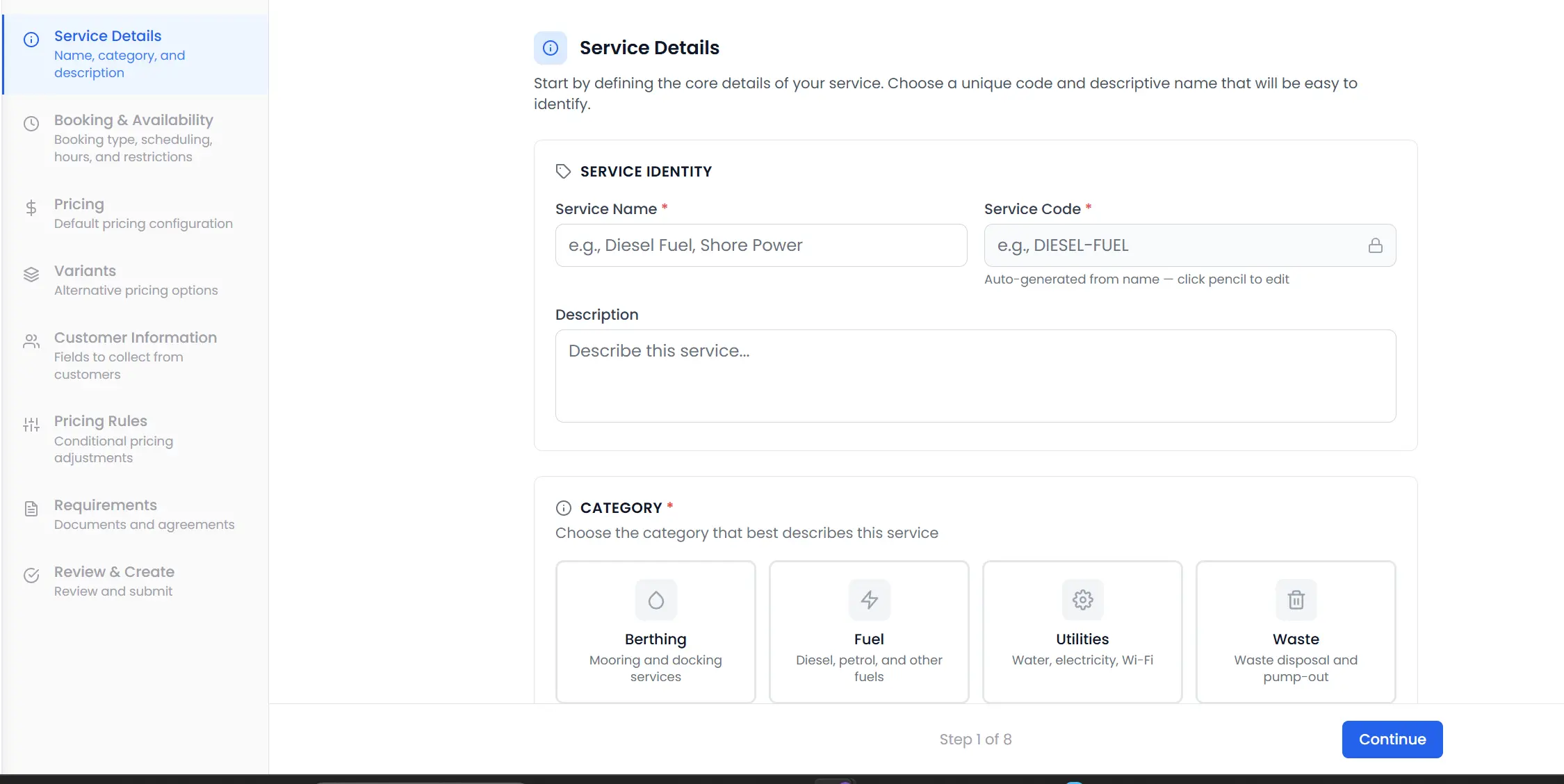
Flexible Pricing Engine
16 Pricing Models, Unlimited Variants
Every service supports multiple pricing variants: a daily rate, a weekly rate, and a monthly rate for the same service, each with its own pricing model. Choose from flat fee, per-unit, per-metre LOA, per-foot LOA, hourly, daily, weekly, monthly, seasonal, annual, tiered by size, tiered by duration, tiered by quantity, package, quote-based, or free. Conditional pricing rules layer on surcharges, discounts, and multipliers based on season, day of week, customer type, or quantity.
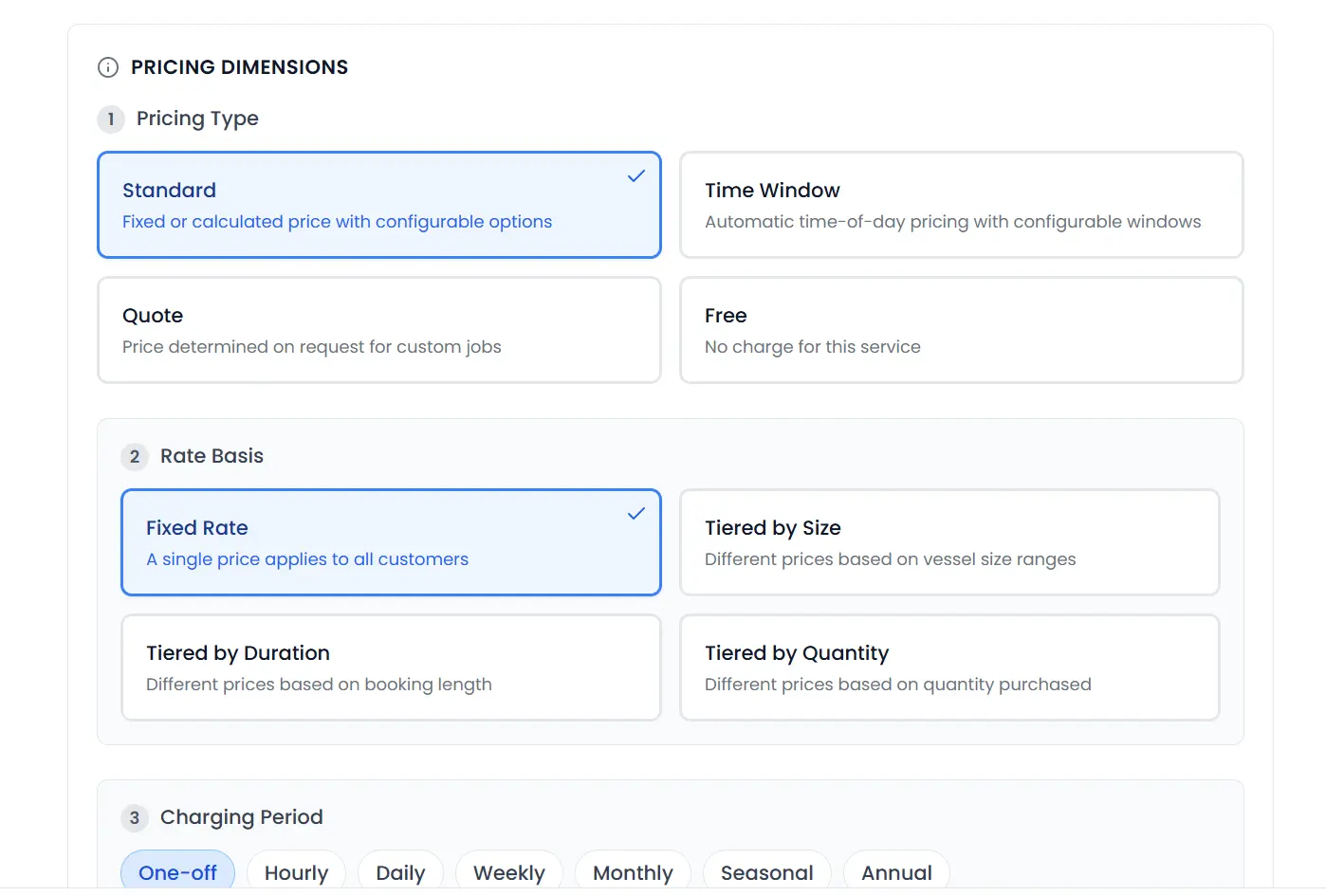
Five Booking Workflows
The Right Flow for Every Service
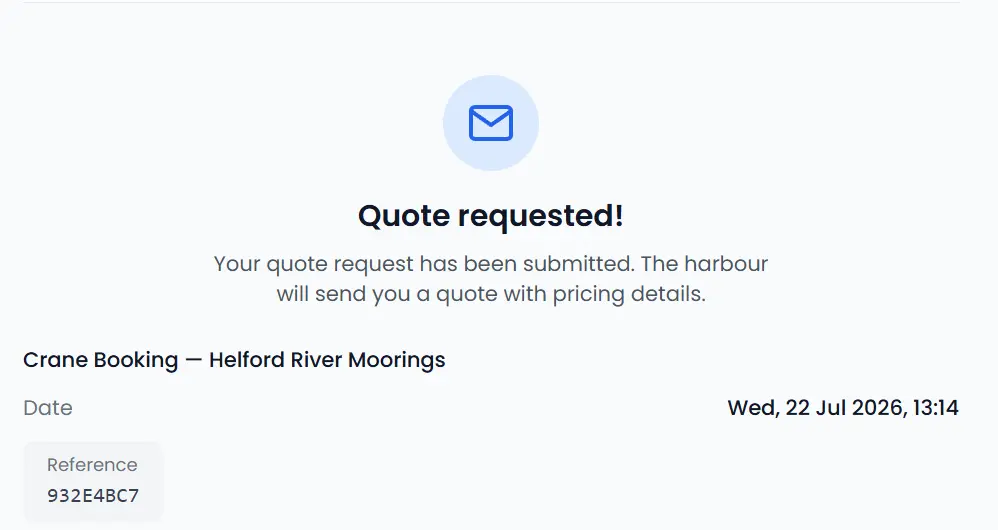
Not every service is booked the same way. Instant booking auto-confirms and collects payment immediately, ideal for day passes and simple add-ons. Approval-required pauses for staff review before confirming. Quote requests let customers describe what they need and receive a custom price. Enquiry mode opens a conversation. Staff-only services are created at the desk for walk-ins and point-of-sale transactions.
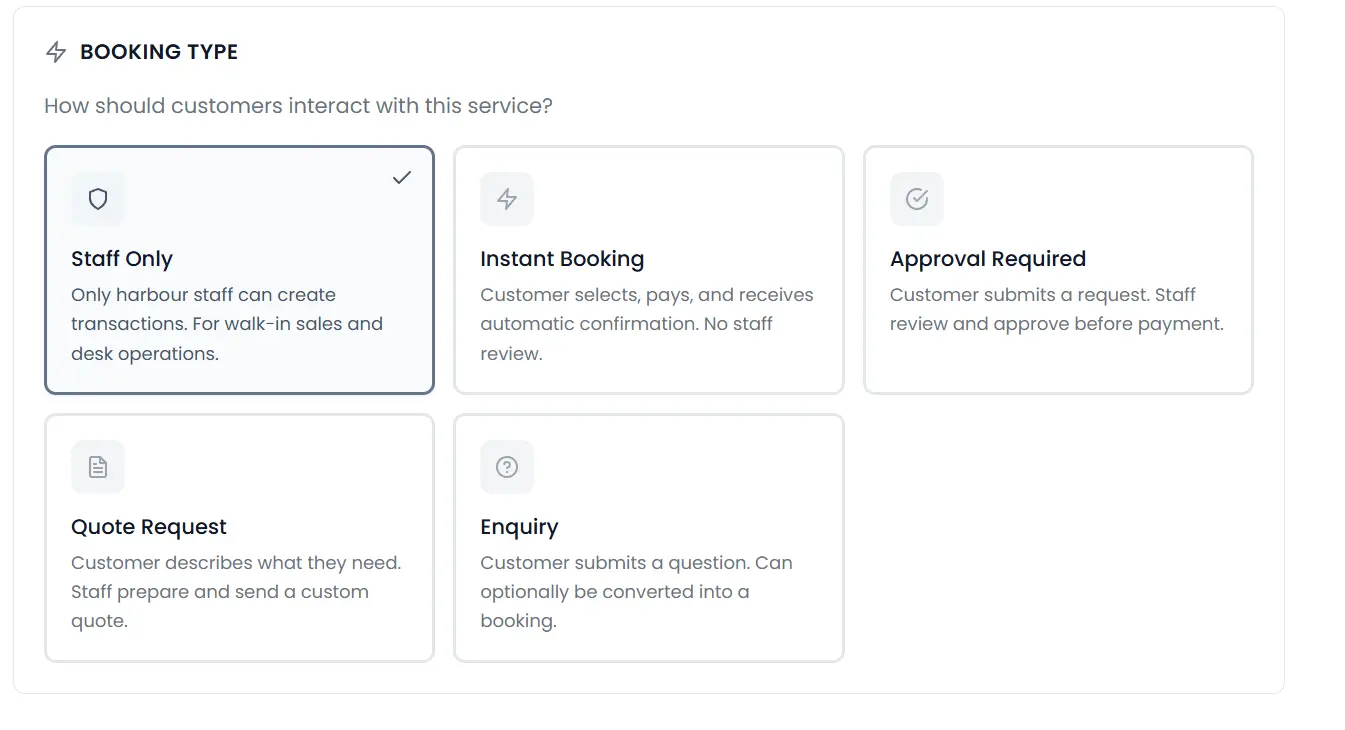
Custom Data Collection
Capture Exactly What You Need
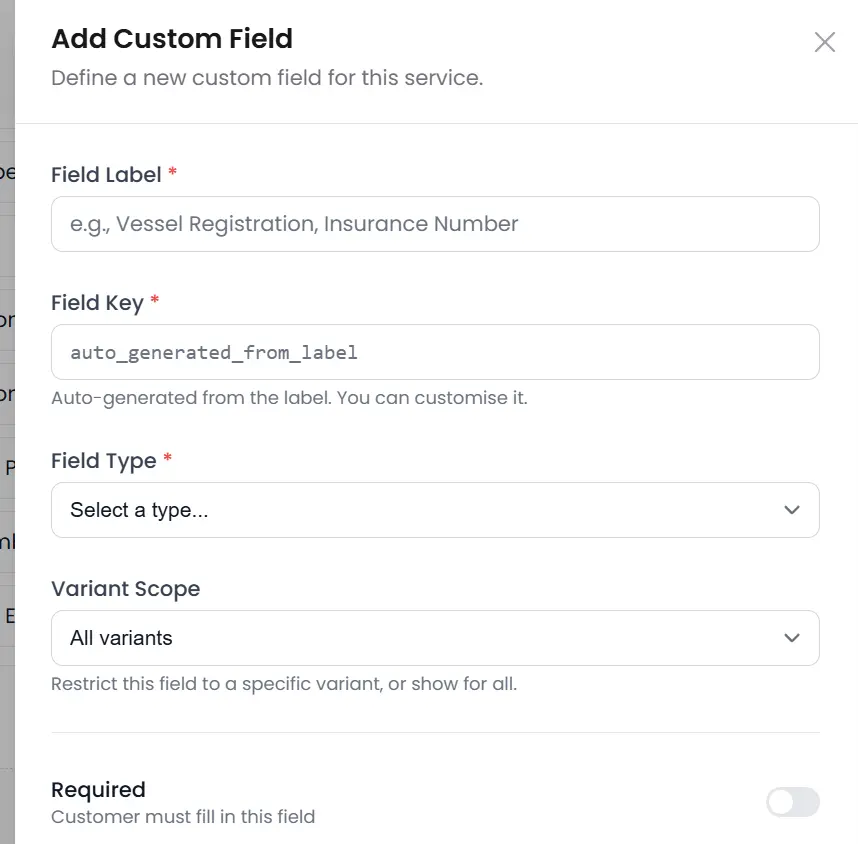
Add custom fields to any service to collect the information your team requires. Seven field types (text, number, select, multi-select, date, boolean, and textarea) cover every scenario. Fields can be required or optional, and pricing-input fields feed directly into the pricing engine so that customer answers adjust the final price automatically.
Scheduling & Availability
Manage Capacity Down to the Hour
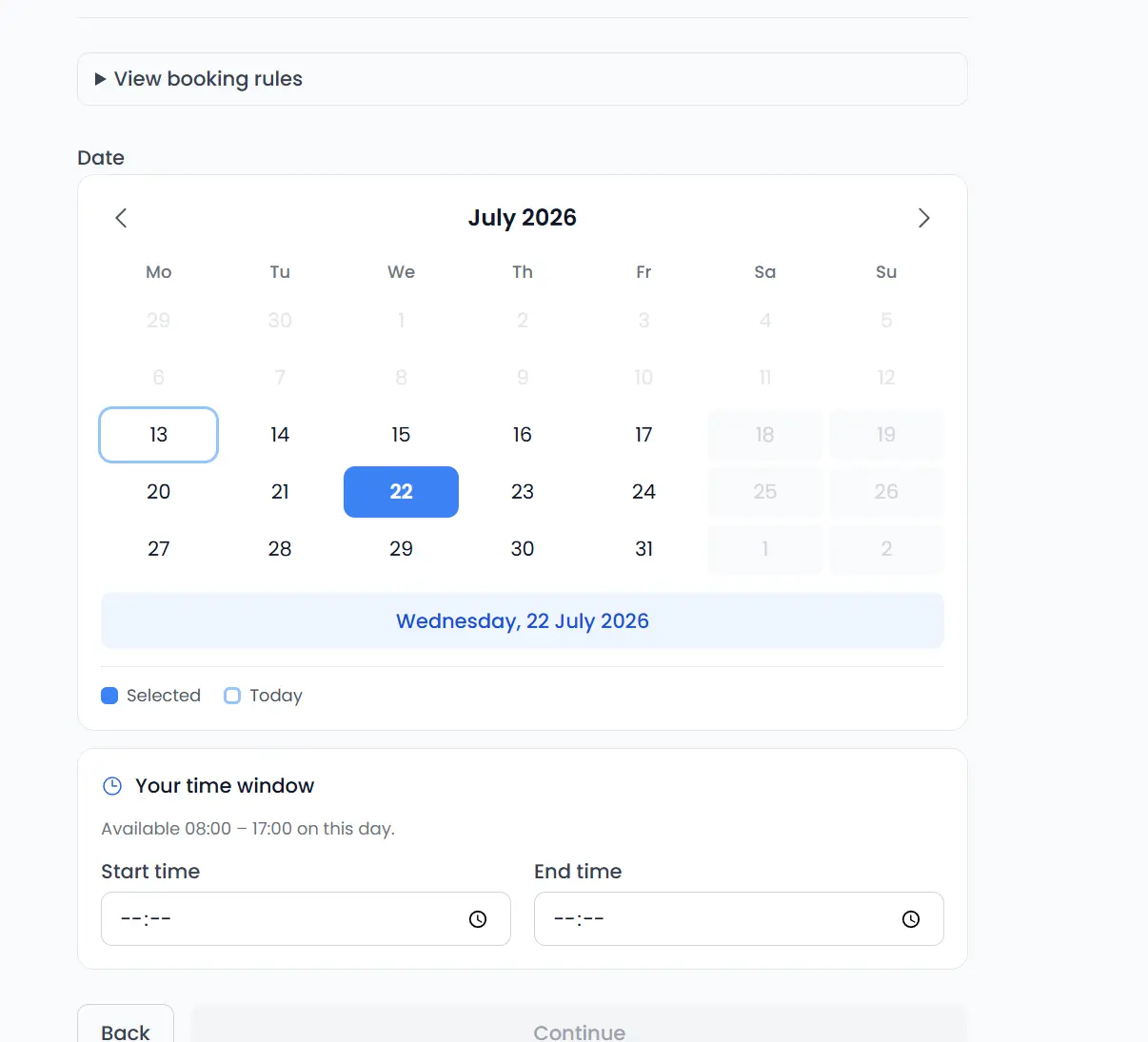
For bookable services, define operating hours by day of week, blackout dates for holidays and maintenance windows, and seasonal availability periods. The system generates available time slots automatically, respecting capacity limits, lead-time constraints, and existing bookings. Customers see only the slots that are genuinely available.
16 Ways toPrice Your Services
From simple flat fees to complex tiered and quote-based pricing, every model you need is built in
Flat Fee
Fixed price regardless of quantity or duration.
Per Unit
Price multiplied by the number of units purchased.
Per Metre LOA
Price calculated from vessel length in metres.
Per Foot LOA
Price calculated from vessel length in feet.
Hourly
Price per hour of service usage.
Daily
Price per day, ideal for overnight services.
Weekly
Discounted rate for seven-day blocks.
Monthly
Long-term pricing for seasonal services.
Seasonal
Full-season pricing with single payment.
Annual
Yearly subscription or pass pricing.
Tiered (Size)
Price brackets based on vessel dimensions.
Tiered (Duration)
Longer stays unlock lower daily rates.
Tiered (Quantity)
Bulk discounts as quantity increases.
Package
Bundle multiple services at a combined price.
Quote
Staff provide a custom price after review.
Free
No charge: complimentary or included services.
Collect Payment Your Way
Instant card payments, asynchronous payment links, or manual offline recording: every payment method your operation needs
Stripe Integration
Secure card payments via Stripe with PCI-compliant payment intents. Supports Stripe Connect for marketplace split payments to your harbour account.
Payment Links
Send asynchronous payment links by email for quote and approval workflows. Token-based access ensures only the intended customer can pay.
Manual & Offline Payments
Record cash, bank transfer, or cheque payments manually. Staff verify and mark transactions as paid for full reconciliation.
Refund Management
Process full or partial refunds through Stripe or record offline refunds. Transaction status updates automatically with a complete audit trail.
From Browse to Booked
The customer experience for every booking type
Customer Browses Your Catalogue
Services are listed on your public location page, filtered by category. Each card shows the name, description, pricing summary, and booking type.
Selects a Service & Variant
The customer chooses their preferred pricing variant (e.g. daily vs weekly) and fills in any custom fields. The price calculator updates in real time.
Completes Documents (If Required)
Agreements, waivers, or terms are presented for signature. The booking cannot proceed until all required documents are completed.
Confirms & Pays
For instant services, payment is collected immediately. For approval or quote workflows, the request is submitted and staff are notified.
Receives Confirmation
Automated email confirmations include the service details, pricing breakdown, any signed documents, and a link to manage the booking from their dashboard.
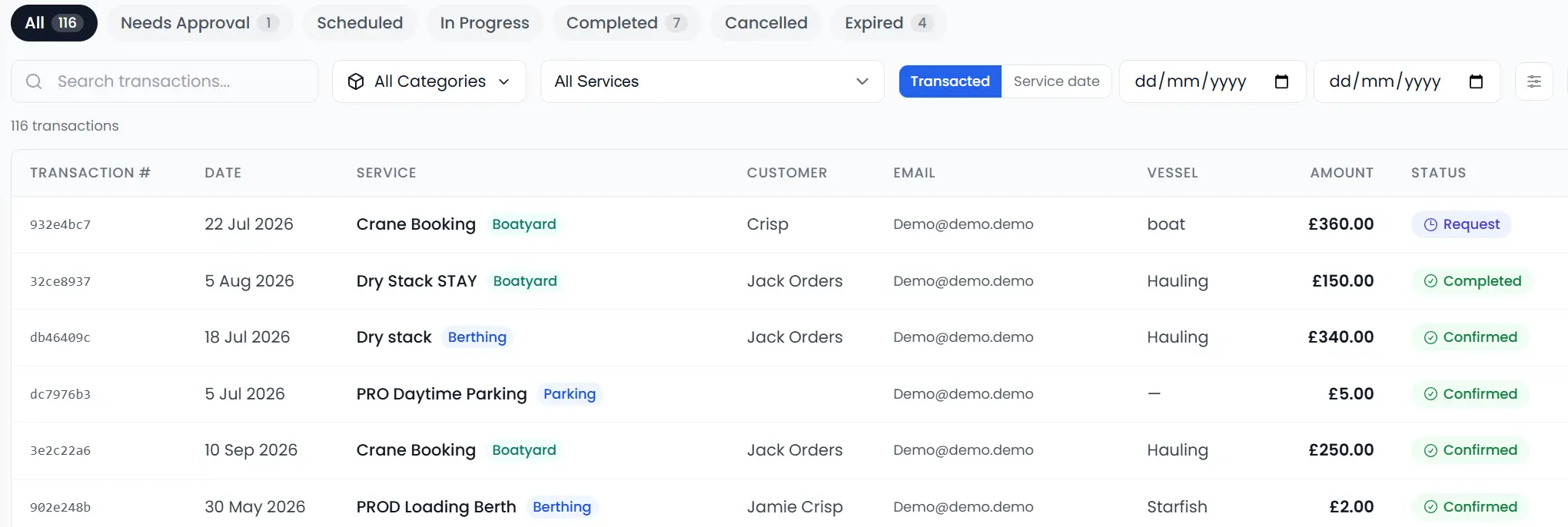
Manage Every Transaction
Moored gives your team every service transaction in a single dashboard, filtered by status, service, date, or customer. Approve pending requests, send invoices, record payments, and mark services as complete.
Connected to Your Whole Platform
Moored builds services into bookings, waitlists, maintenance, and automated messaging, not as a bolt-on but as a core part of the system
Booking System
Services appear as optional add-ons during the visitor mooring booking flow. Mooring-specific service availability is respected.
Waitlists
Registration fees, deposits, and seasonal payments are configured as services: pricing, custom fields, and payment all handled by the services engine.
CMMS & Assets
Inventory items link to CMMS assets. Equipment maintenance schedules and condition are visible alongside rental status.
Message Streams
Automated email and SMS notifications triggered by transaction events: confirmed, approved, completed, cancelled.
Marina Services Booking Software, Answered
Common questions about selling marina services and add-ons with Moored
What are some examples of services I can create?
You can create almost any service a marina offers in Moored. Common examples include pump-outs, electricity and water, kayak or paddleboard hire, lift-outs and cranage, winter storage, engineering and repairs, pressure washing, waste disposal, and bespoke concierge requests, each with its own pricing and booking workflow.
Do I have to offer services online, or can I keep them for desk and internal use?
You do not have to put any service online. In Moored each service has its own visibility, so you can keep it staff-only for desk and point-of-sale use, show it on your public page for customers to book, or attach it as an add-on to a mooring booking.
Can I offer a service to certain customers only, or at a different price?
Yes. Moored lets you layer conditional pricing rules on any service, so you can apply a different rate, discount, or surcharge based on customer type, season, day of week, or quantity, which makes it easy to price differently for berth holders and visitors.
Can the same service handle both a one-off job and a seasonal contract?
Yes. A single service in Moored can carry multiple pricing variants, so the same listing can offer a one-off rate and a seasonal or annual rate side by side, and the customer simply chooses the option that suits them.
Ready to unlock new revenue?
Give customers a modern, self-service way to discover and pay for every service your marina offers, from fuel and utilities to events and concierge.