Your Marina,Mapped in Real Time
A purpose-built interactive map for maritime operations. Position boats with drag-and-drop, manage berths visually, track occupancy in real time, and give customers a live view of your marina, all from one map.
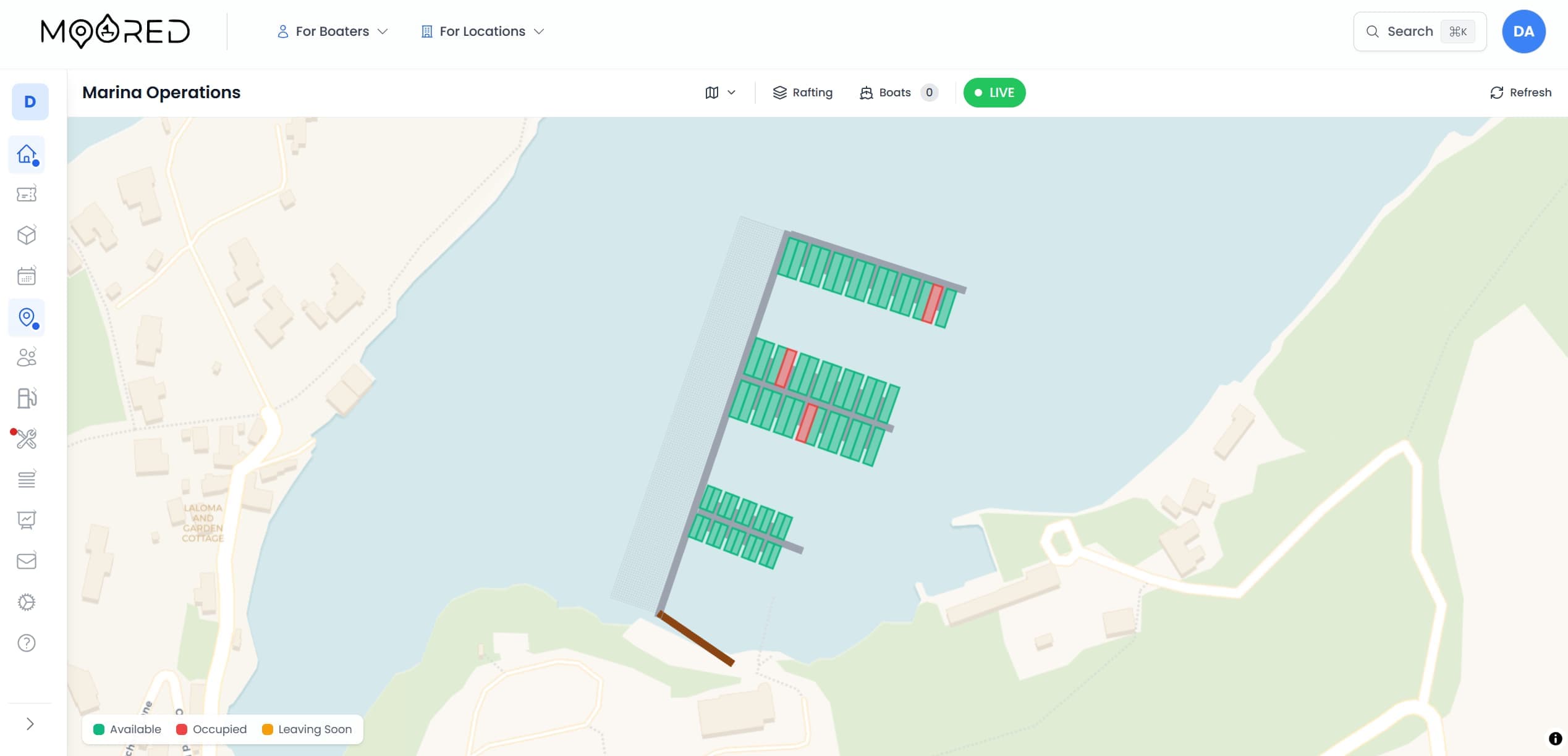
Interactive Marina Map Software, Three Views in One Platform
A different view for every audience: operations staff, marina editors, and your customers
Operations Map
The day-to-day command centre. Position boats, view bookings, move vessels between berths, track departures, and manage the marina in real time with drag-and-drop and side-drawer detail panels.
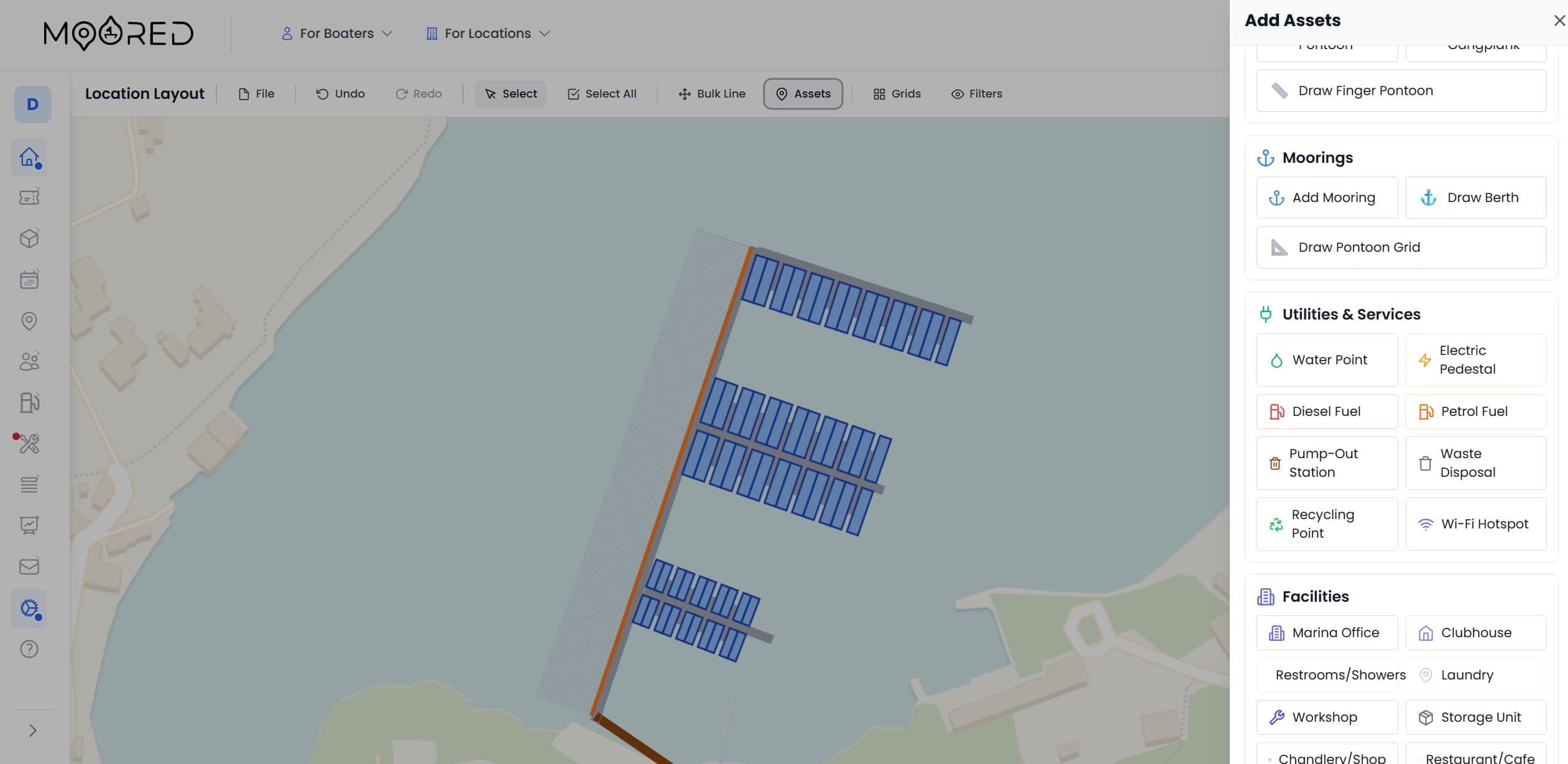
Map Editor
Design your marina layout with drawing tools. Create pontoons, berths, buildings, and infrastructure markers. Set vessel constraints and environmental data per mooring. Publish changes live.
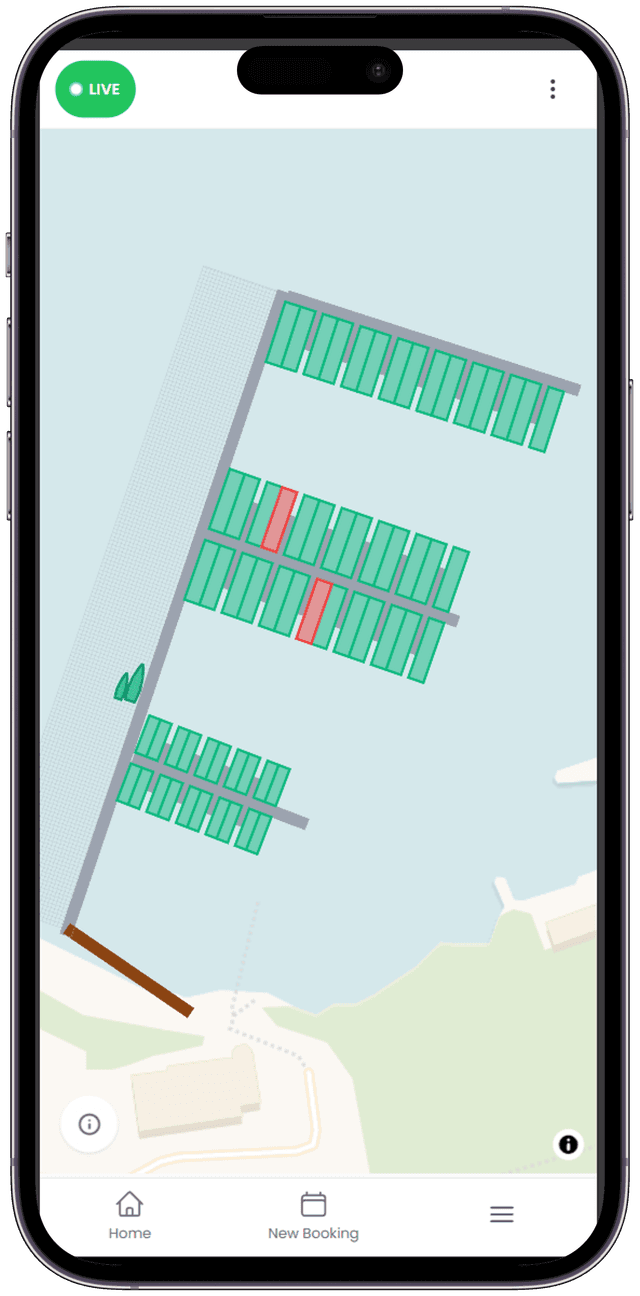
Public Marina Map
A read-only view on your location page showing availability, occupancy heatmaps, and mooring filters. Customers click available berths to start booking, no account needed for pay-on-arrival.
Your Daily Command Centre
Moored gives your team every tool needed to manage boat positions, berth occupancy, and marina operations, without leaving the map
Drag-and-Drop Boat Positioning
Place Every Vessel Visually
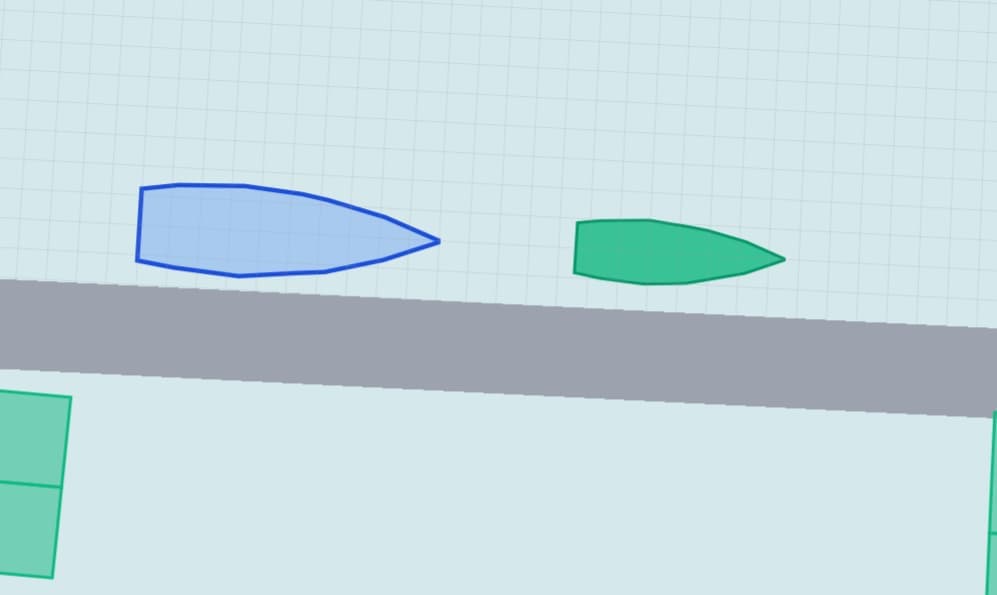
Drag boat polygons directly on the map to position them at berths. Boats are rendered as realistic hull shapes scaled to their actual LOA and beam. Grid snapping automatically aligns vessels to pontoon berths within a 2-metre range, and bearing management ensures boats face the correct direction. Flip a boat 180° with a single click.
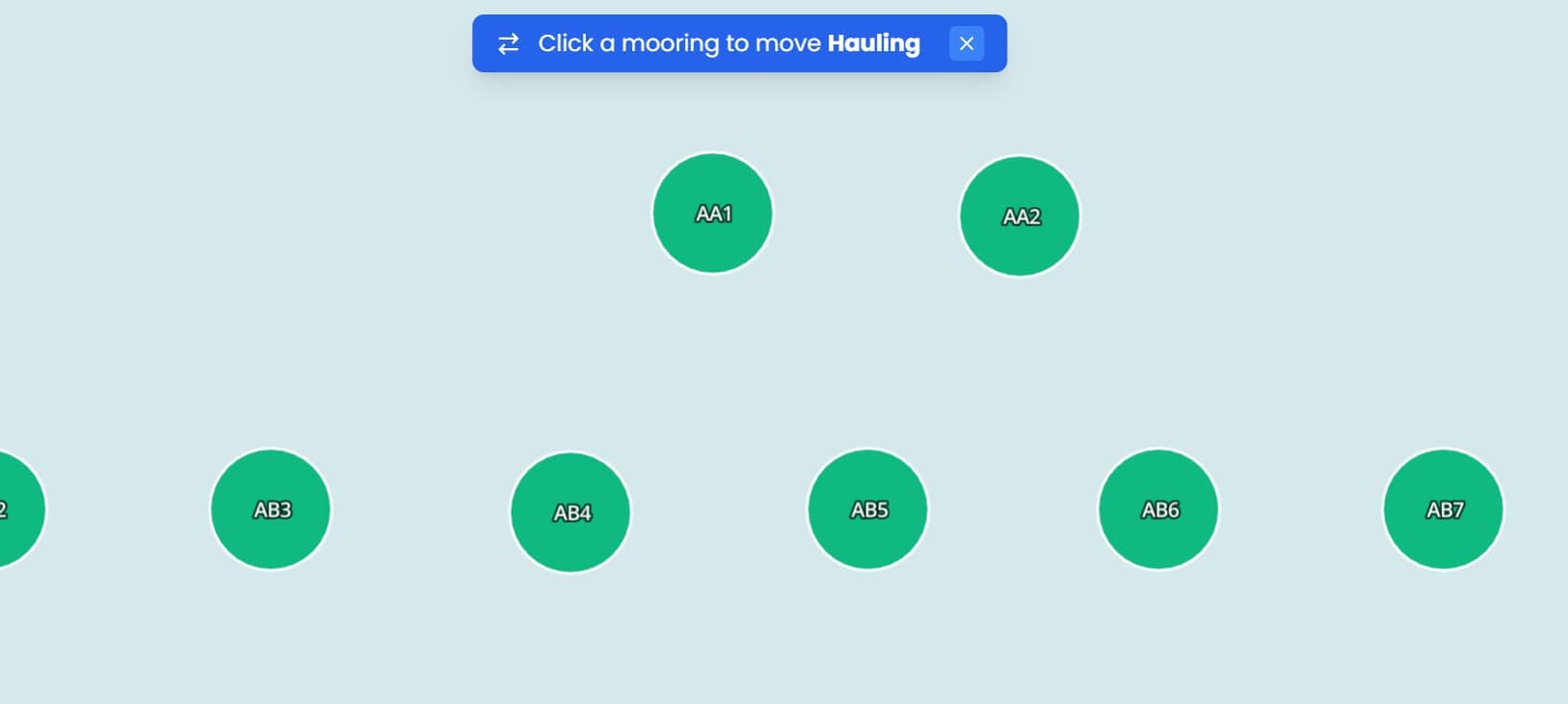
Move Boat Between Moorings
Relocate Without the Paperwork
Need to shift a vessel to a different berth? Activate move mode, click the destination mooring, and the system checks for booking conflicts and validates vessel suitability before confirming. Optionally notify the customer by email that their mooring has changed, all in a few clicks.
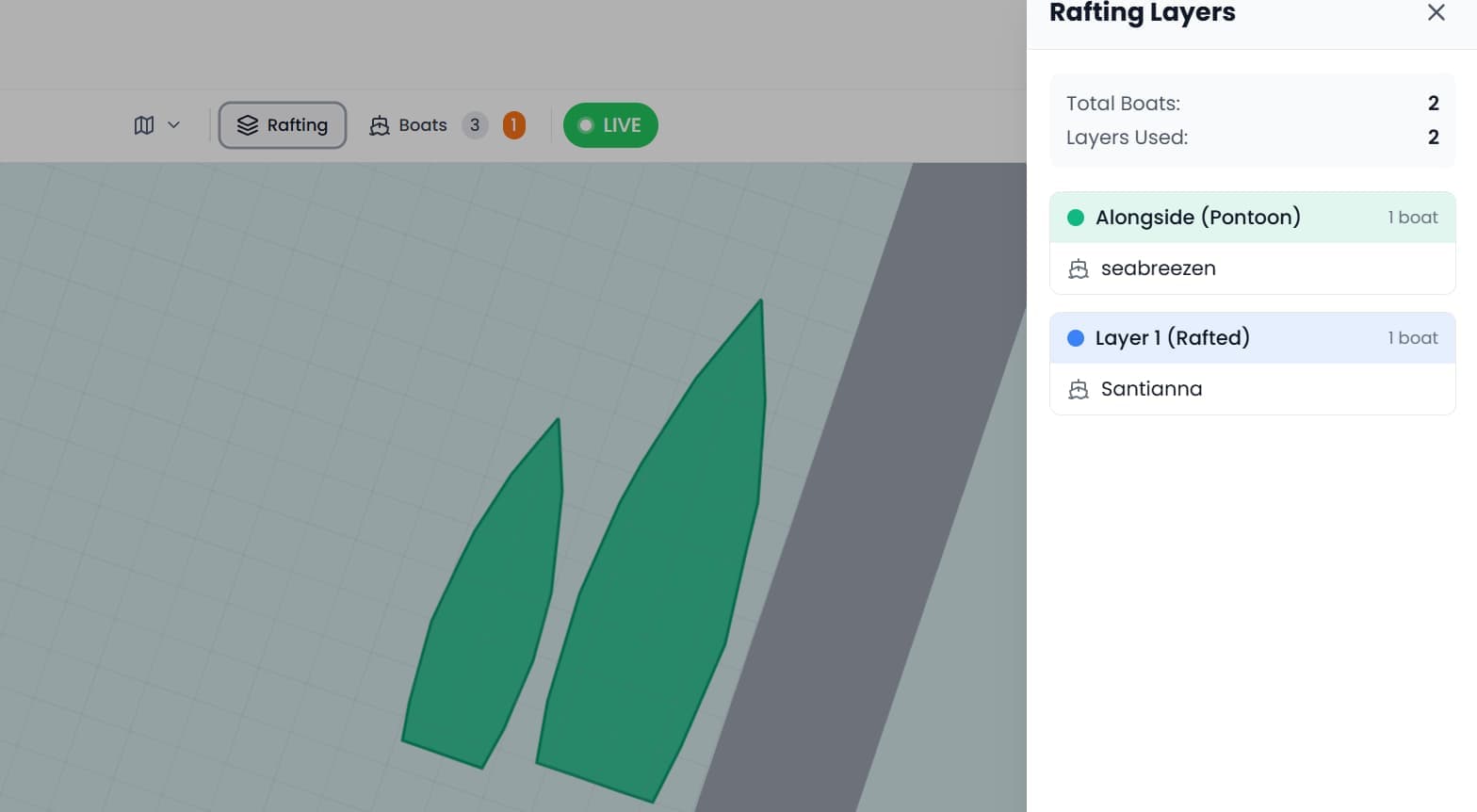
Rafting Layer Detection
Manage Multi-Layer Berths
When boats are rafted alongside each other, the system automatically detects and assigns layer numbers, layer 0 at the berth, layer 1+ rafted outward. The rafting panel shows every boat-to-layer assignment in a clear, readable format, giving your team full visibility of stacking across the marina.
Time Machine
Rewind to Any Date
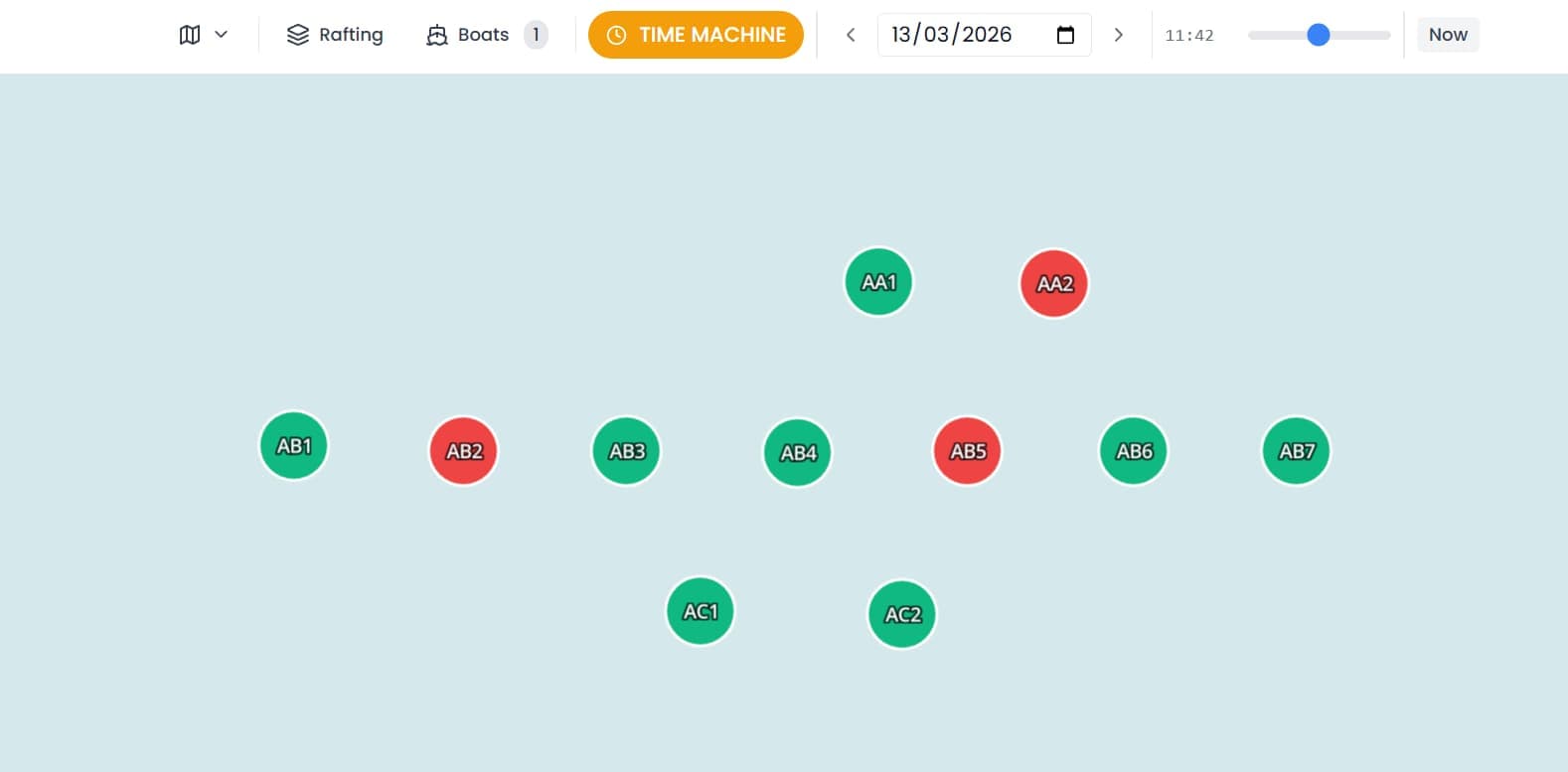
Select a past date and see exactly which boats were where at that time. The time machine loads historical position data from the position history stack, rendering each vessel at its recorded location. Switch between live mode with auto-refresh and historical replay at any time.
Side Drawer Detail Panels
Everything Without Leaving the Map
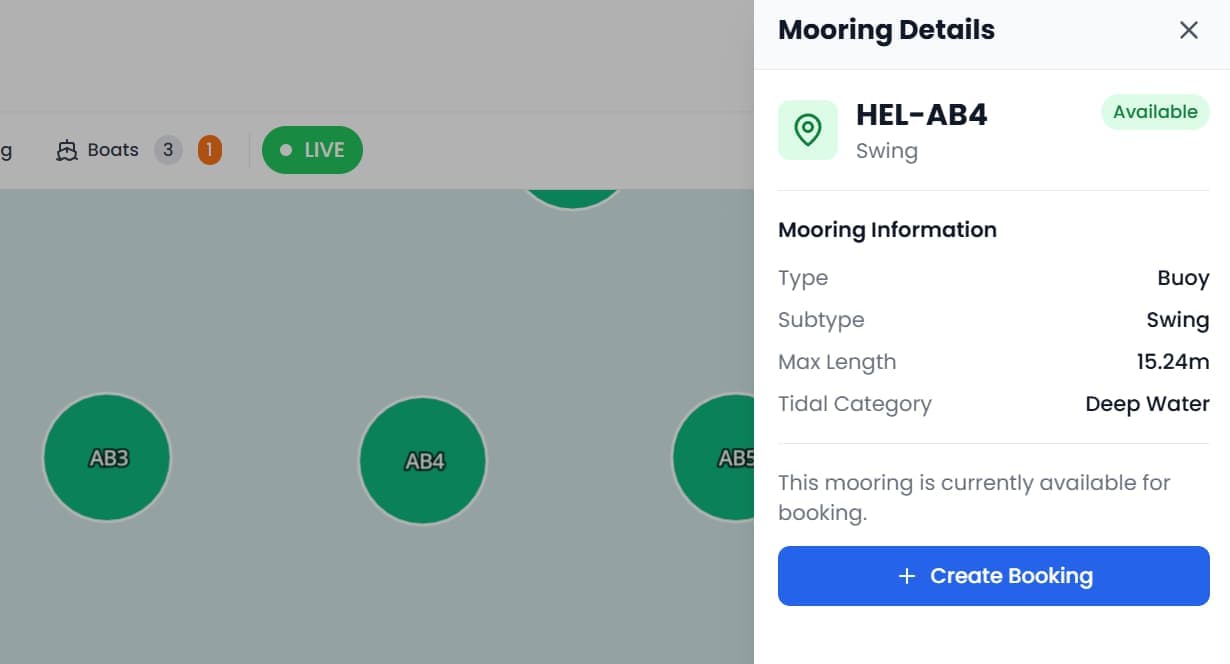
Click any boat, mooring, or asset to open a slide-out panel with full details and actions. Boat panels show vessel dimensions, booking info, and quick actions (extend, mark departed, move, flip). Mooring panels display capacity, vessel limits, environmental conditions, and occupancy. No page navigation needed.
Design Your MarinaWithout a Developer
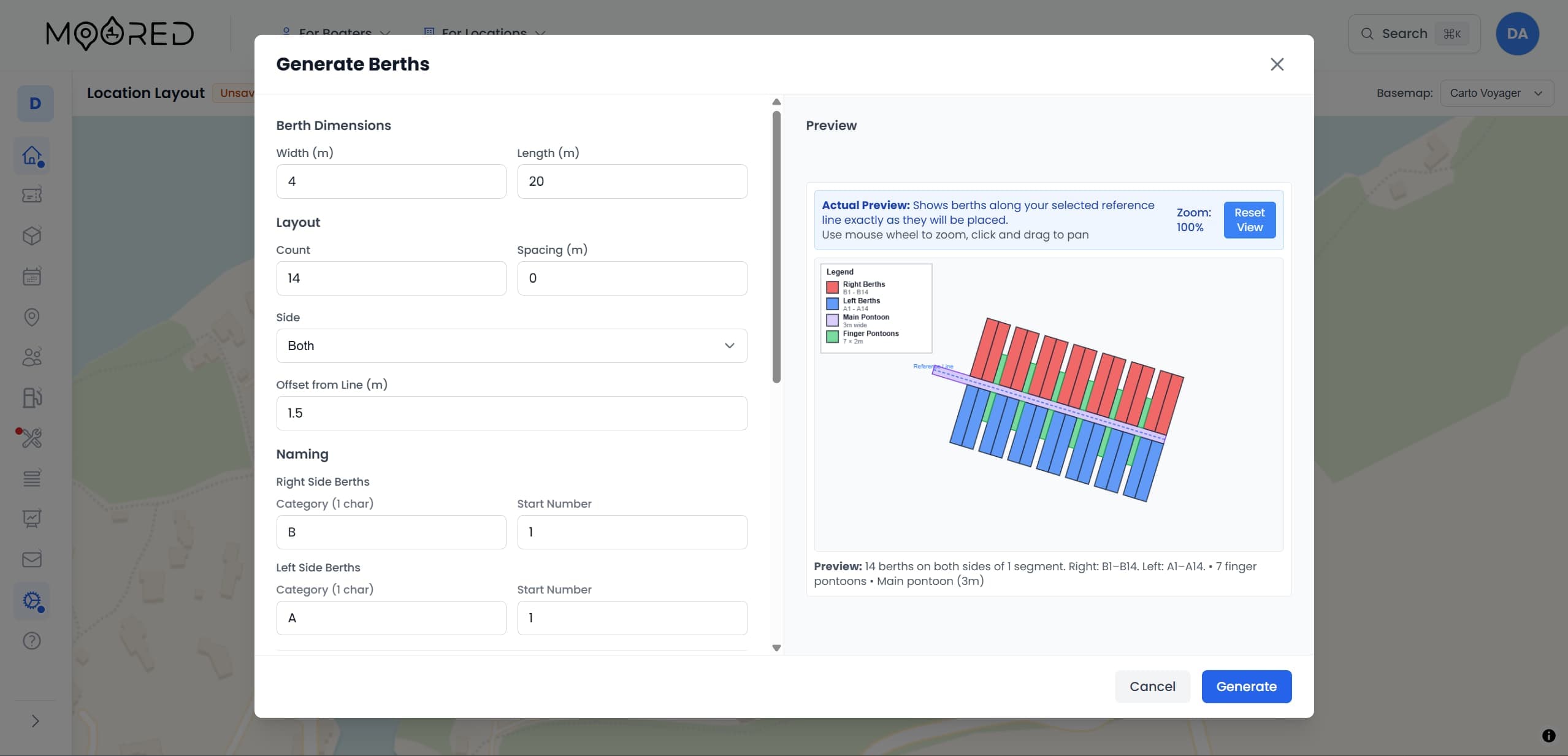
Moored lets you draw your marina layout directly on the map. Create pontoons, define berths, place infrastructure markers, and set vessel constraints, then publish live to your operations and public maps.
Drawing Tools
Create points, lines, polygons, rectangles, and circles directly on the map. Build buildings, utilities, facilities, and safety features.
Pontoon Generator
Draw a centreline and bulk-create berths along it. Set width, spacing, and bearing. Grid preview shows the layout before saving.
Mooring Editor
Set vessel constraints (max LOA, beam, draft), environmental data (tidal category, depth, seabed type, shelter), and rafting limits per mooring.
60+ Infrastructure Icons
Place categorised markers for utilities (water, electricity, fuel, Wi-Fi), facilities (showers, restaurants, shops), safety (life rings, fire extinguishers), and navigation aids.
Copy, Paste & Bulk Edit
Duplicate complex configurations, apply vessel constraint templates across multiple berths, and use bulk actions to edit properties at scale.
Save & Publish
Auto-save drafts to local storage every few seconds. Publish all changes to the database in an atomic transaction when ready.
Let Customers See Before They Book
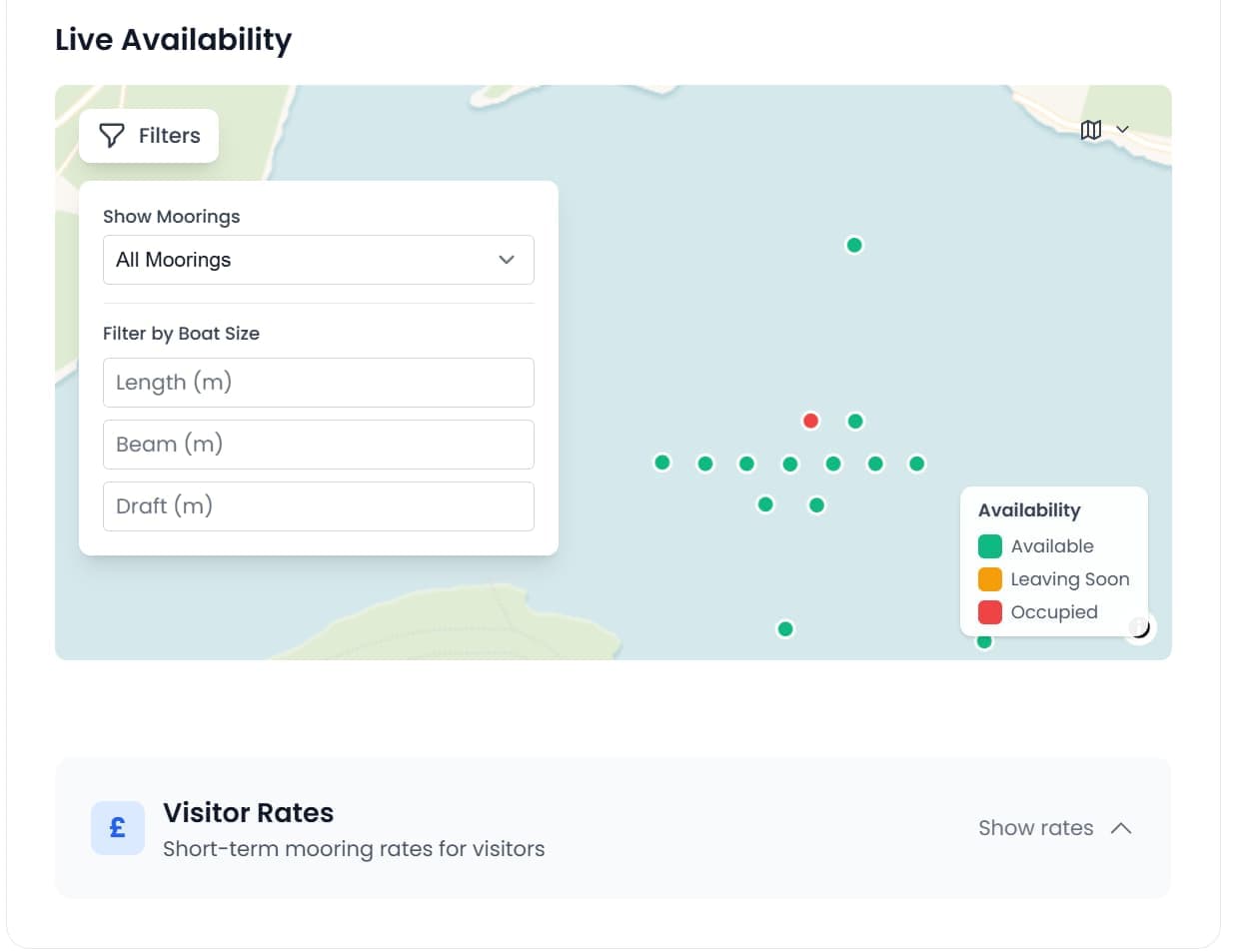
Moored adds a live, read-only marina map to your location page that shows real-time berth occupancy. Customers browse, filter, and click to book.
Real-Time Availability
Anonymous occupancy data shows which areas of the marina are free.
Boat Dimension Filters
Customers filter moorings by their vessel length, beam, and draft to find berths that fit.
Grid Occupancy Heatmaps
Colour-coded grid areas show capacity percentage at a glance. Click a grid for detailed occupancy info.
Multiple Basemaps
Nine basemap options including CARTO, OpenStreetMap, Stamen, and satellite imagery. Light and dark theme support.
Mooring Type Toggles
Switch between all moorings, bookable only, or pay-on-arrival only to find exactly what you need.
Click-to-Book
Click any available mooring to start the booking flow with the mooring pre-selected. No searching required.
Manage Boats From the Pontoon
The operations map is fully touch-optimised with a compact vertical toolbar, tap-to-select boats and moorings, and a dedicated pin-drop mode for positioning vessels on mobile.
60+ Infrastructure Icons
Place markers for every piece of infrastructure across your marina. Icons scale smoothly with zoom level.
Utilities
Water, electricity, fuel, Wi-Fi, generator, solar
Facilities
Showers, toilets, laundry, restaurant, shop, pharmacy
Safety
Life rings, fire extinguishers, first aid, coast guard
Navigation
Channel markers, cardinal marks, light vessels, buoy fields
Services
Boat lifts, cranes, slipways, dry dock, repair shop
Hazards
Rocks, shallow water, restricted areas, underwater hazards
Connected to Your Whole System
The map isn't a standalone tool, it's woven into every part of your marina management platform
Booking System
Active bookings automatically appear as positioned boats. New bookings placed directly from the map.
CMMS & Assets
Infrastructure assets displayed as map markers. Click to view maintenance history and work orders.
QR Codes
Generate QR codes linked to specific moorings for contactless pay-on-arrival check-in.
Customer Records
Boat details panel links directly to customer CRM profiles for full context without leaving the map.
Interactive Marina Map Questions
Common questions about the interactive marina map software, berth occupancy, and berth management in Moored
How does an interactive marina map compare to managing berths on a spreadsheet?
A spreadsheet cannot show you where each boat physically sits or update as boats come and go. Moored's interactive marina map gives you a live, visual picture of berth occupancy with drag-and-drop positioning, so your team works straight from the map instead of cross-referencing rows and columns.
Can several staff use the marina map at the same time?
Yes. Moored's marina map is web-based and shared, so several staff can view occupancy, position boats, and manage berths at once from any device. Everything is stored in one database, so the front desk and the team on the pontoon always see the same live picture.
How does a live marina map reduce manual admin for operations teams?
Moored's marina map removes the manual work of tracking who is on which berth. Occupancy updates in real time from bookings, boats can be moved or rafted with a click, and staff see arrivals and departures at a glance, which cuts the admin overhead for marina operations teams.
Ready to see your marina on the map?
Replace guesswork with a visual, real-time picture of your entire operation. From pontoon to public page, the interactive map transforms how you manage your marina.